Screenshots
Visual overview of Prisma Calendar's features and interface.
Main Calendar View
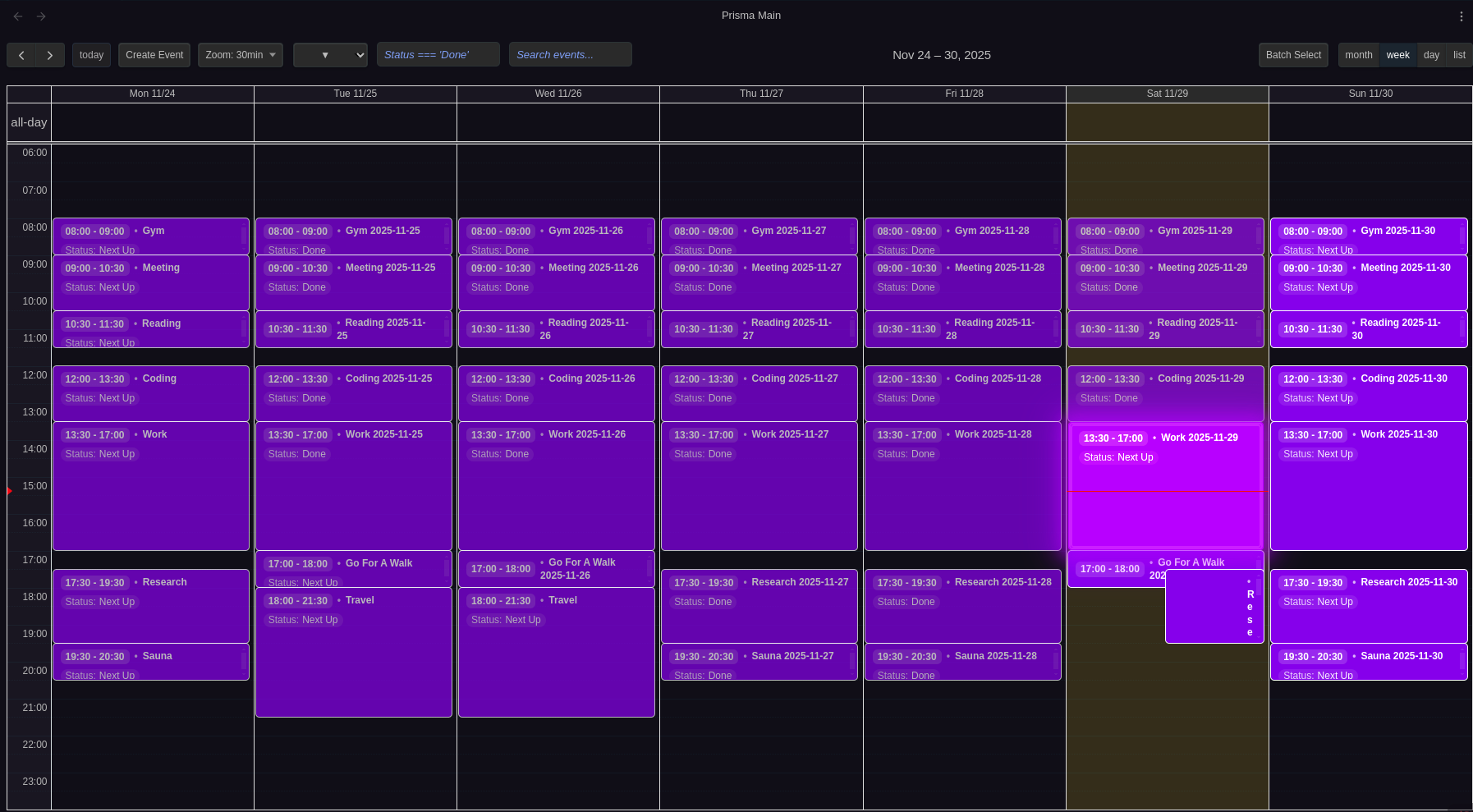
Weekly calendar view with color-coded events, time grid, search, filtering, and batch operations. Learn more →
Event Creation & Editing
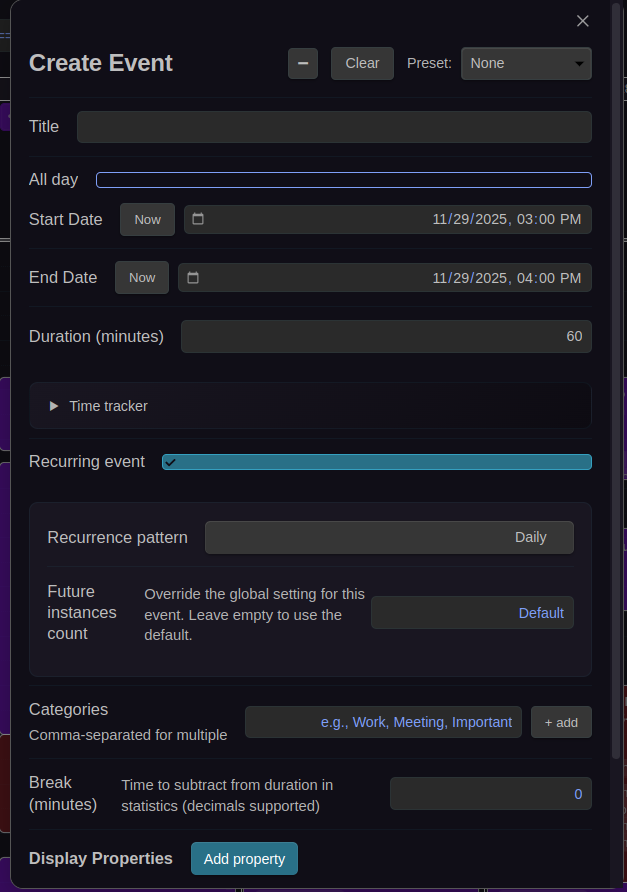

Create and edit events with full frontmatter support, recurring event options, and built-in time tracker. Learn more →
Batch Operations
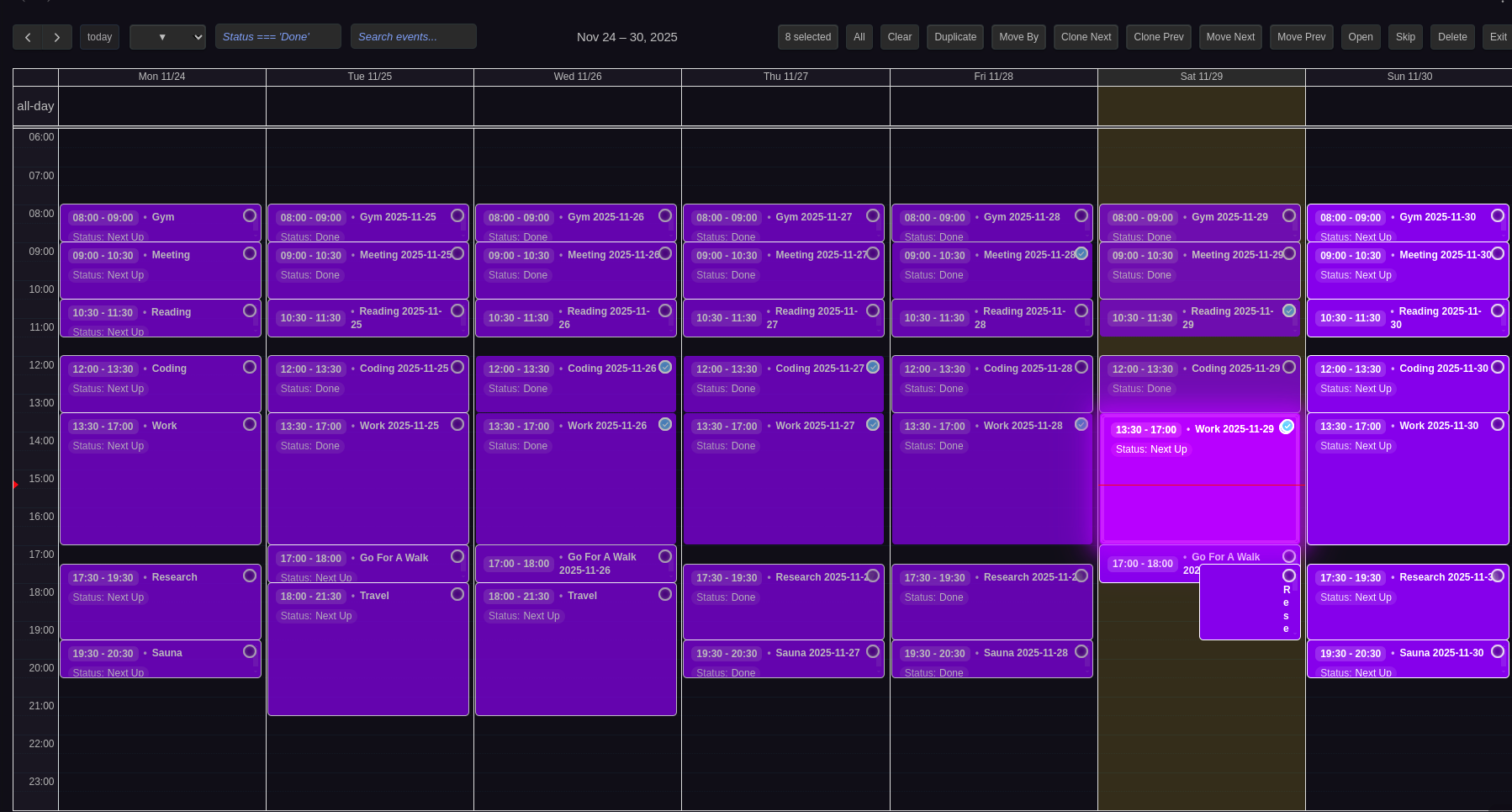
Select multiple events for bulk operations like delete, duplicate, move, or skip. Learn more →
Statistics & Time Tracking
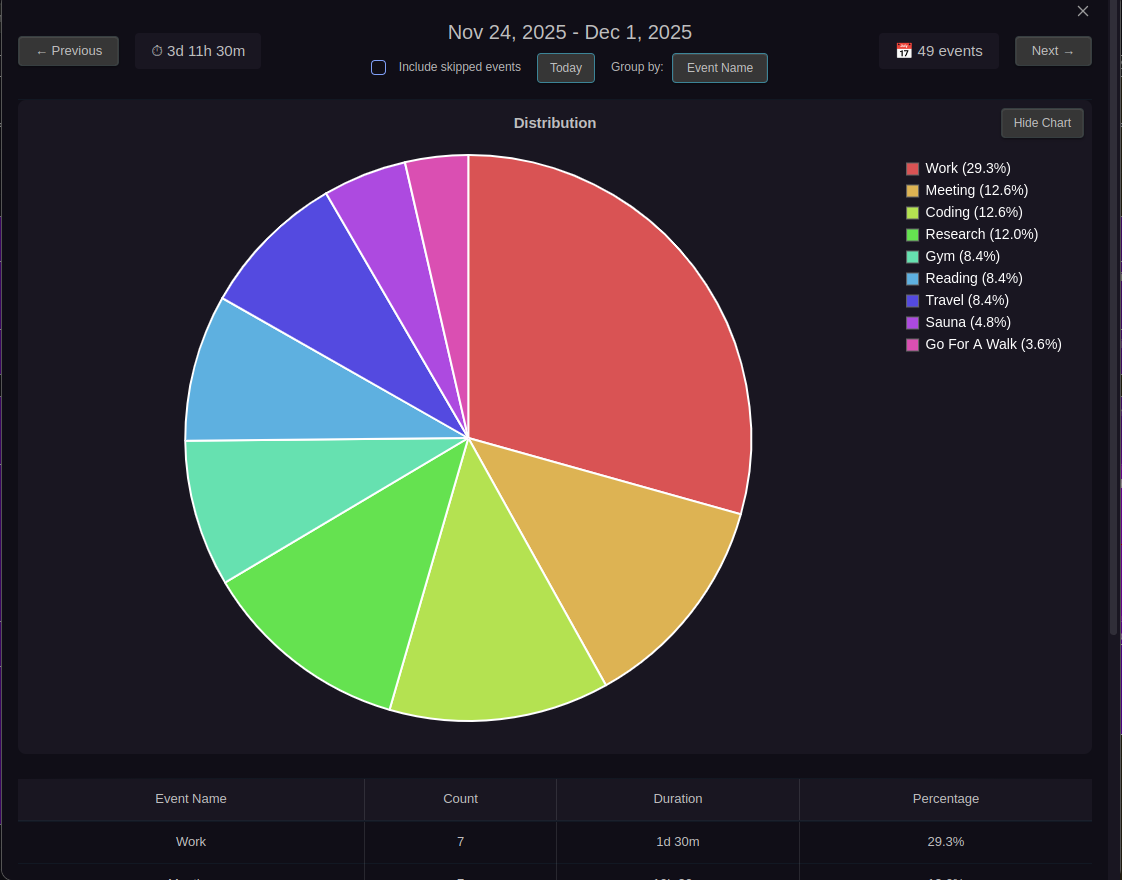
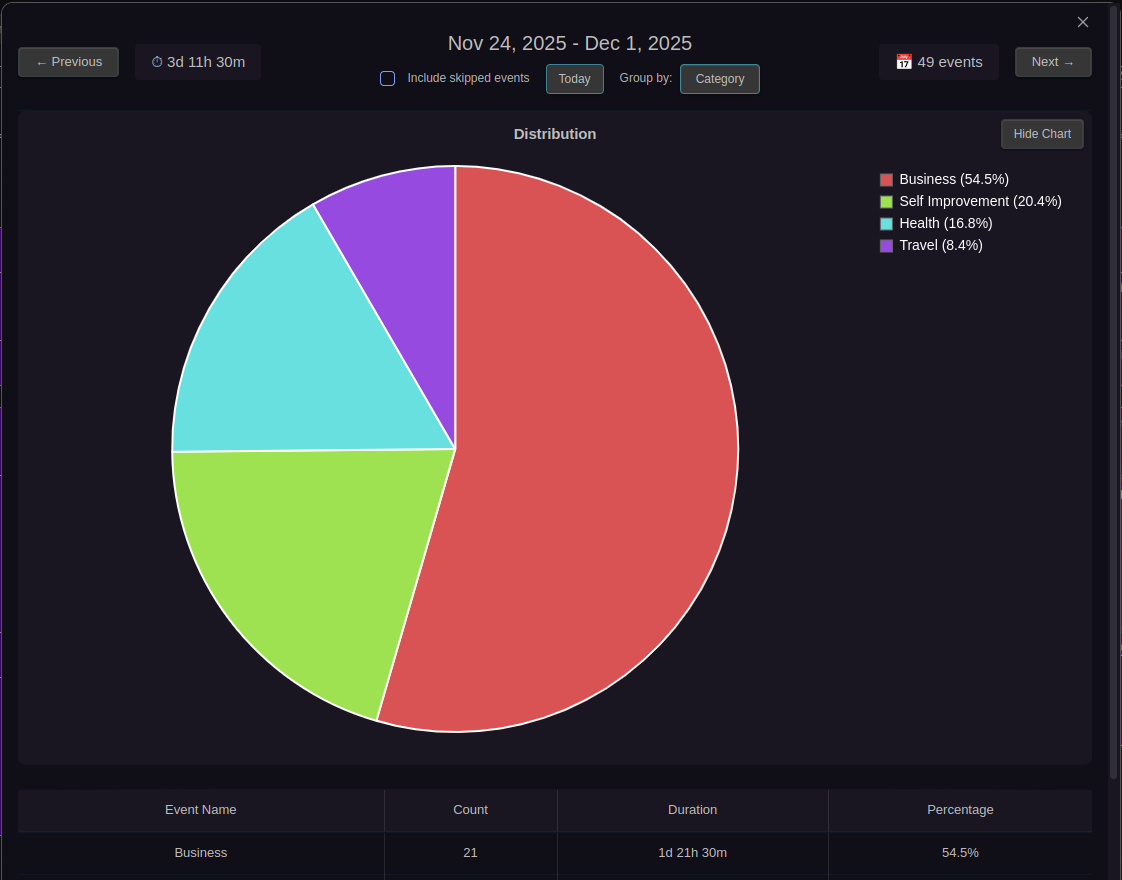

Visual time tracking with pie charts and detailed breakdown tables showing how you spend your time across daily, weekly, monthly, and all-time views. Learn more →
Settings & Configuration
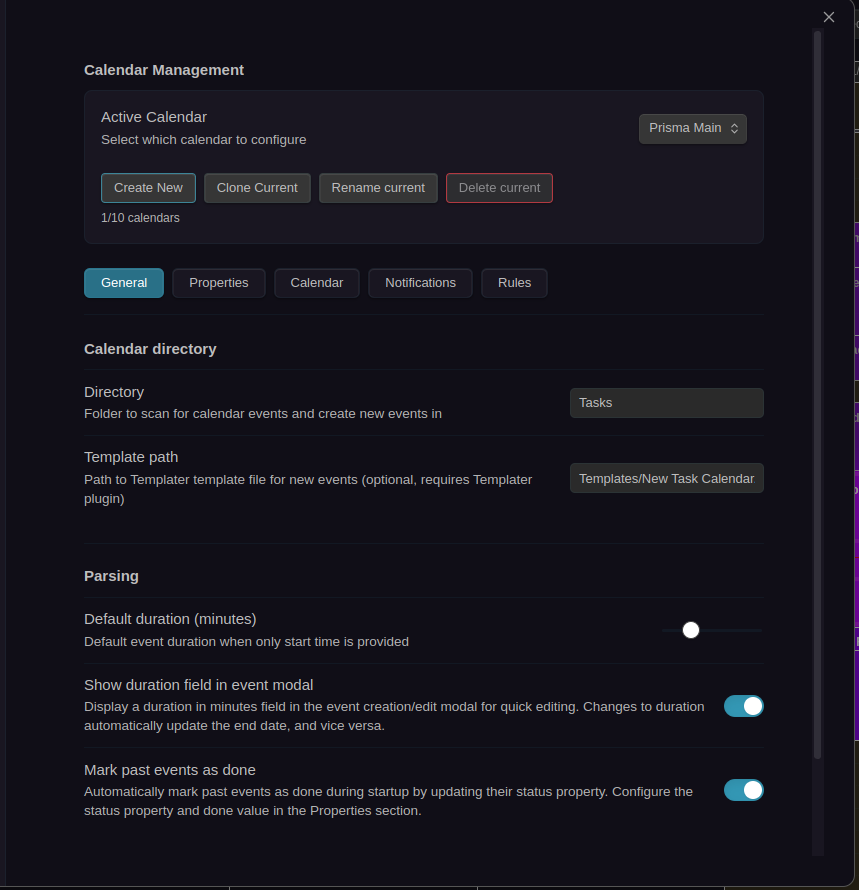
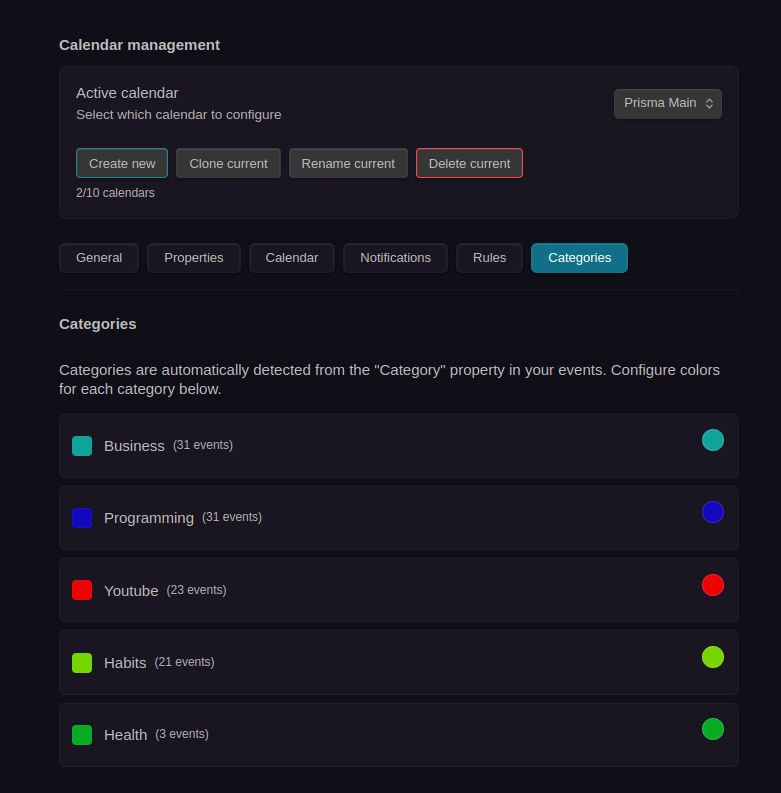
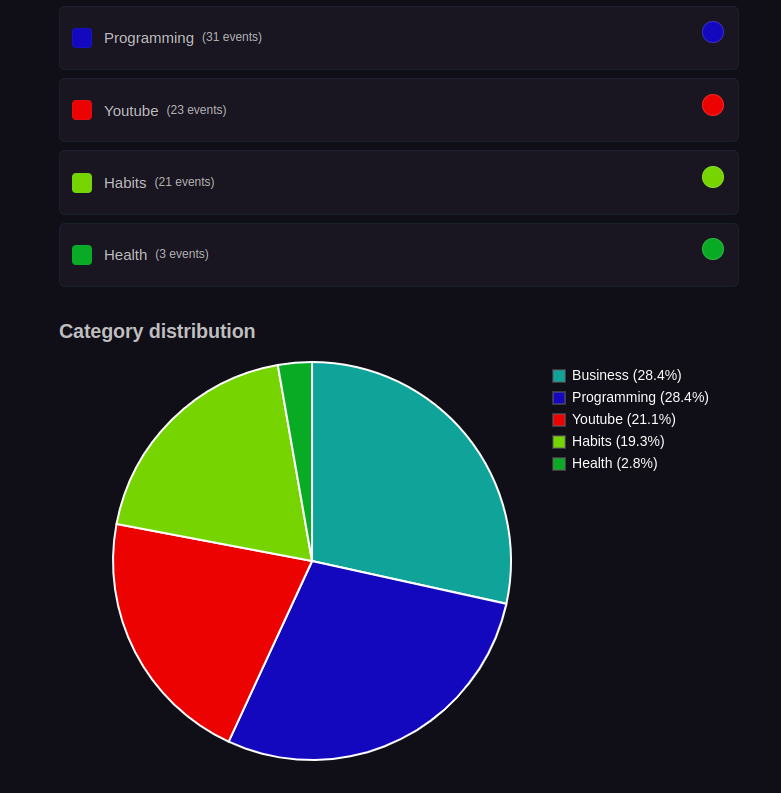
Fully configurable settings for each calendar with tabs for General, Properties, Calendar UI, Notifications, and Rules. Categories Settings provides visual category color management with pie chart visualization. Learn more →
Notifications
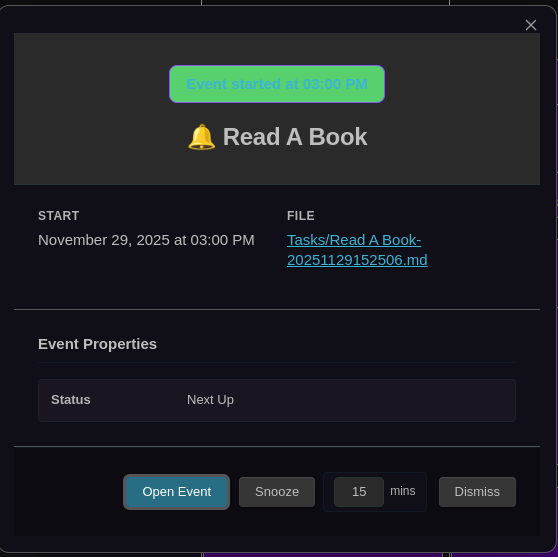
Rich notification modal with complete event preview and action buttons for snoozing or opening events. Learn more →
Time Tracker & Stopwatch
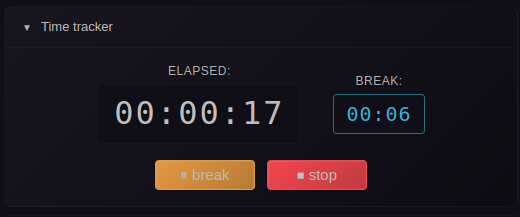
Built-in stopwatch for tracking event duration with break time support, session tracking, and real-time timers. Features total time, total break time, and mid timers (session/current break) for complete visibility into your work sessions. Learn more →
Recurring Events
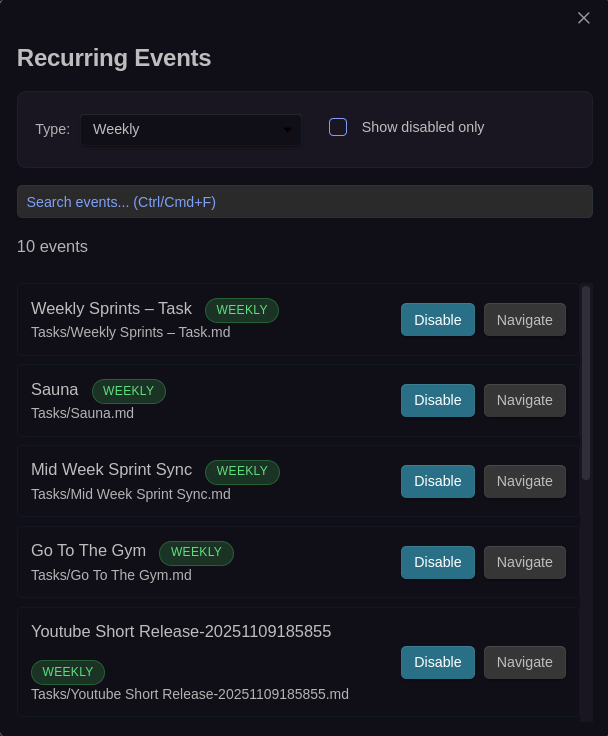
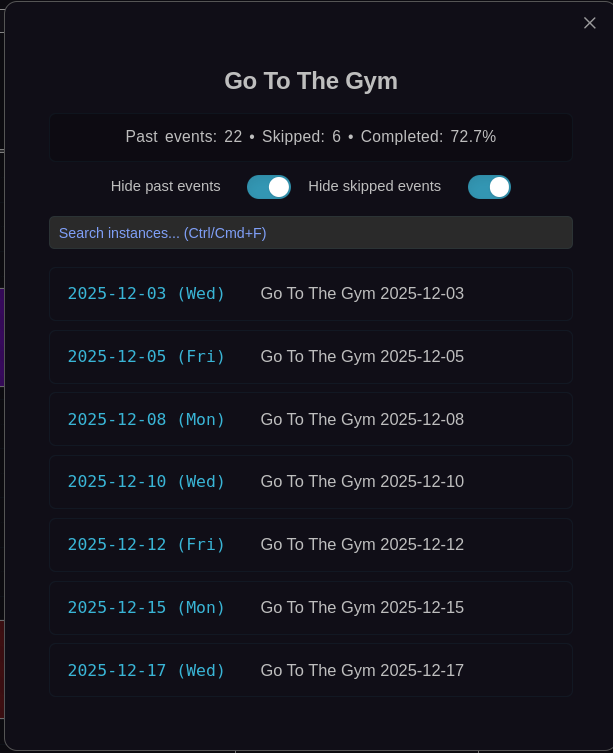
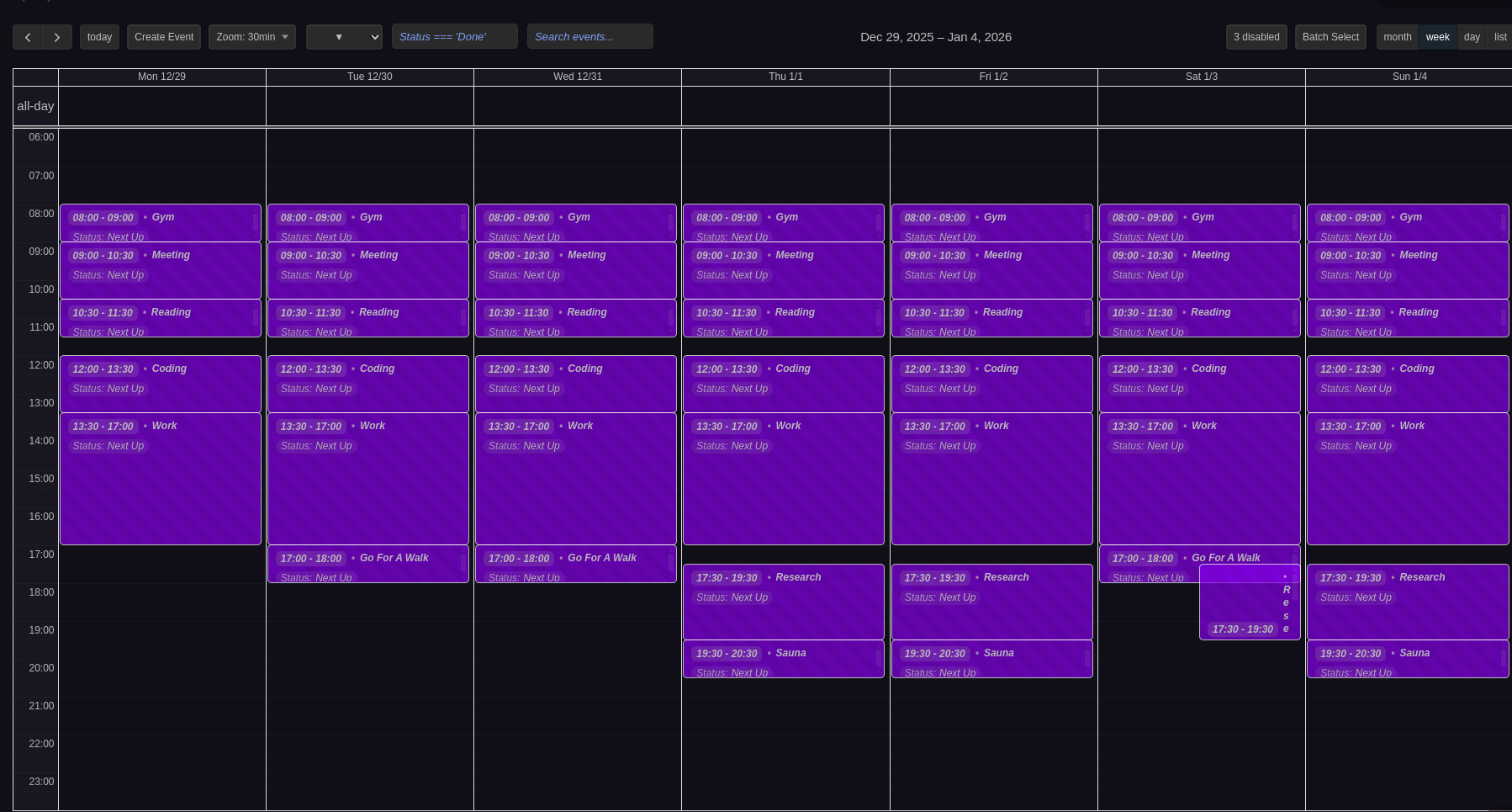
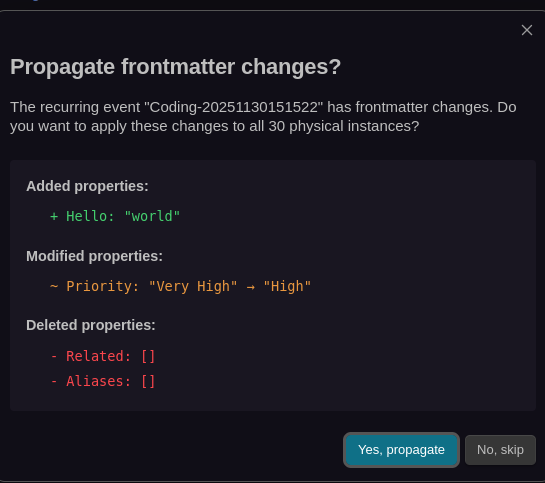
Recurring event management with source navigation, instance lists, virtual event previews, and frontmatter propagation with change preview. Learn more →
Event Previews & Interactions
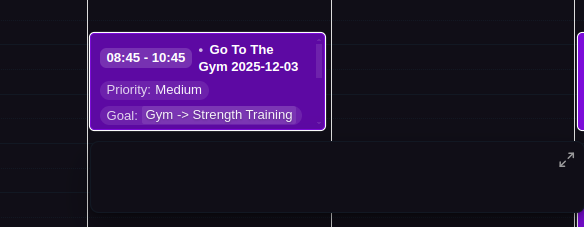
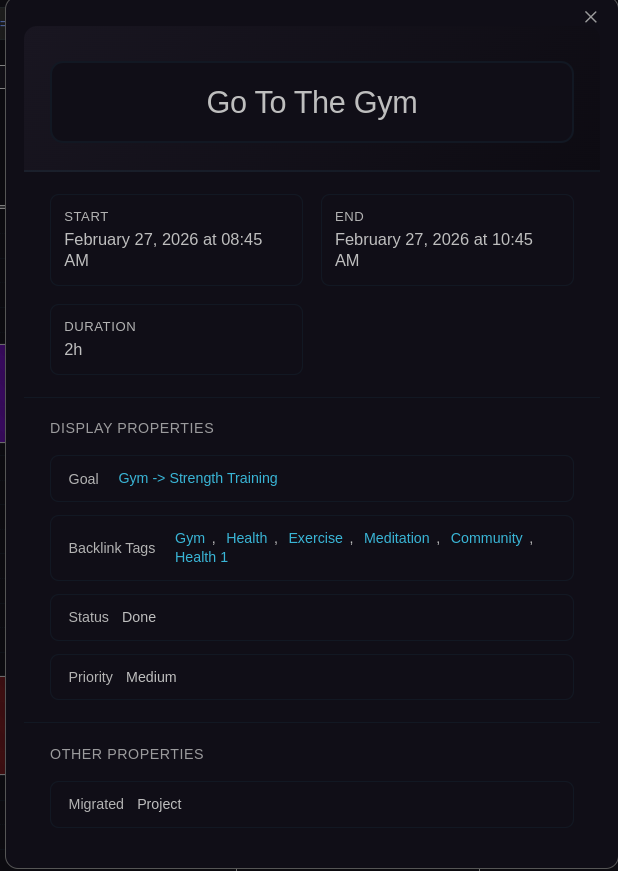
Hover previews and enlarged modal views showing complete frontmatter and content. Learn more →
Filtering & Search
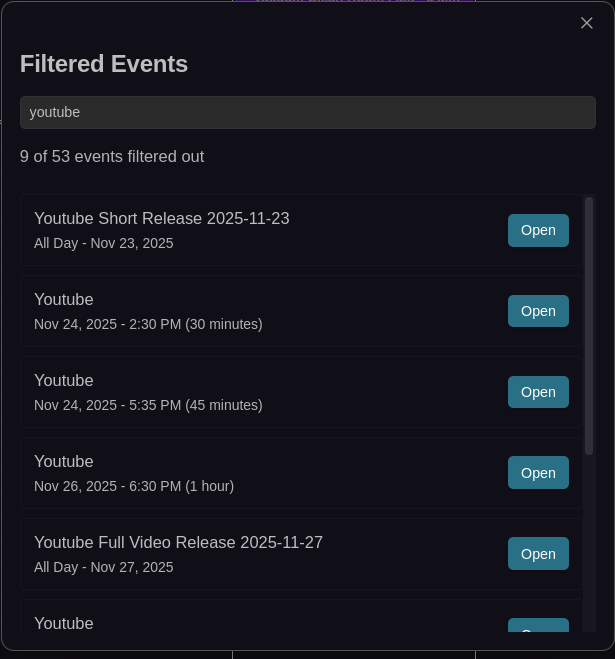

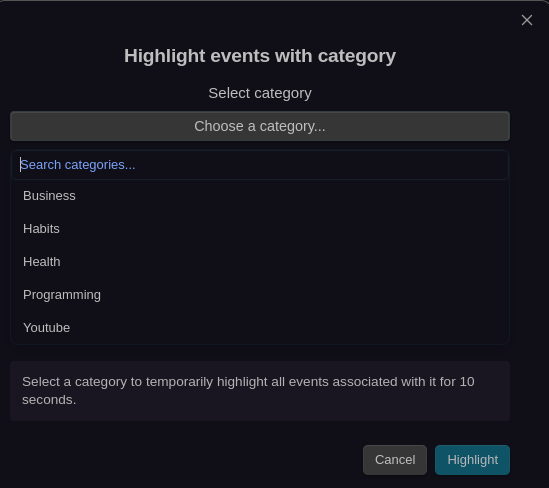
Advanced filtering system and global event search across all calendars with cycle filters. Highlight events by category with the category select modal. Learn more →
Categories
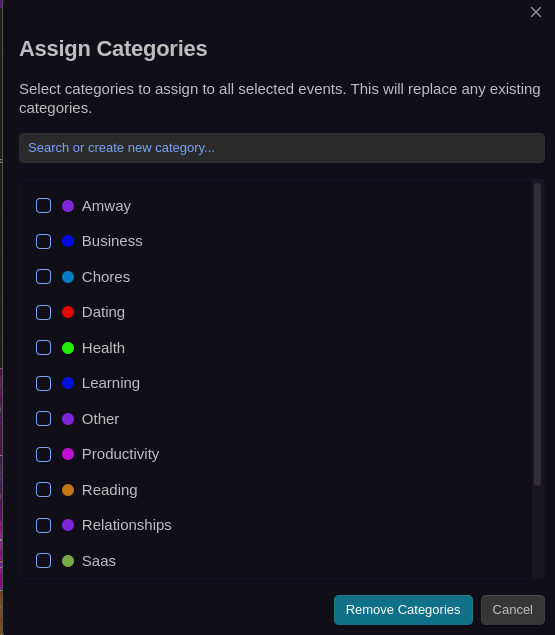
Multi-select category assignment modal with search, color indicators, and the ability to create new categories on the fly. Used throughout the plugin for assigning categories to events. Learn more →
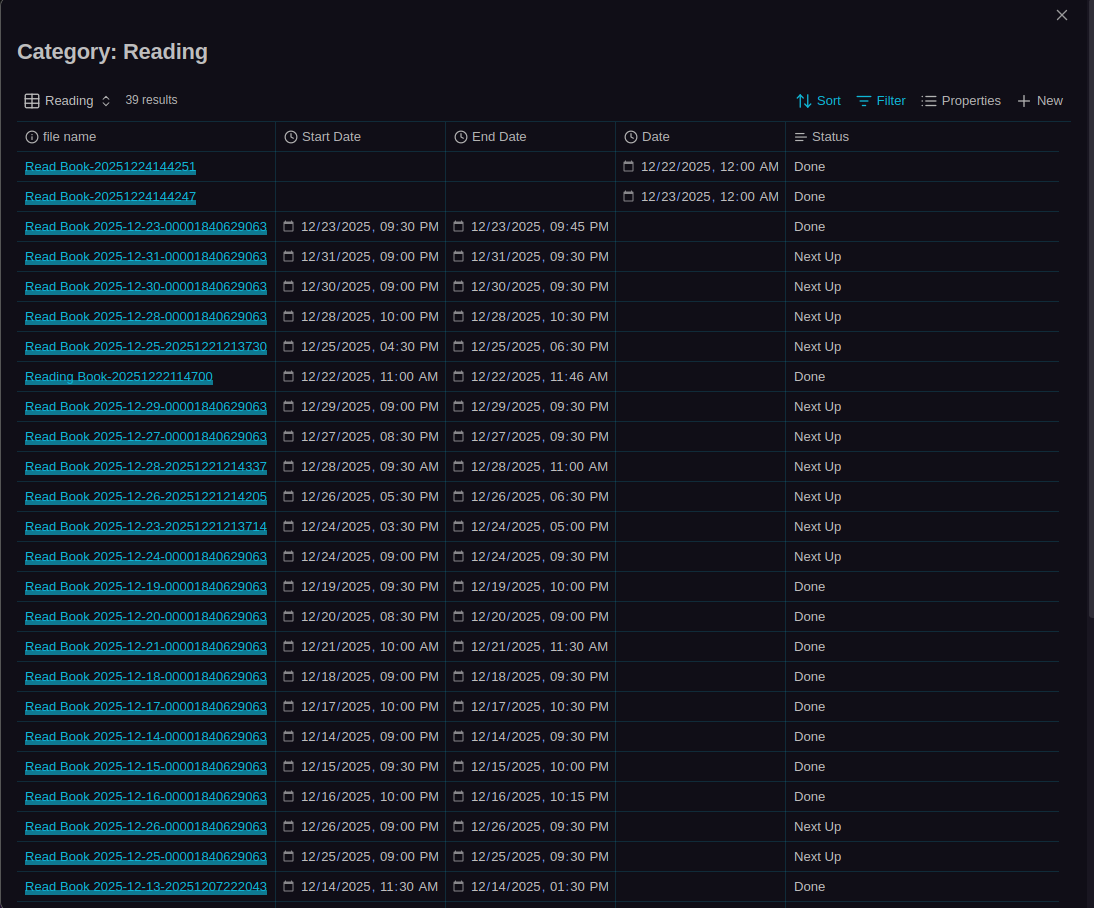
Click any category in the event modal or settings to open a Bases table view showing all events with that category. Events are sorted by modification time with relevant columns displayed. Learn more →
Event Skipping
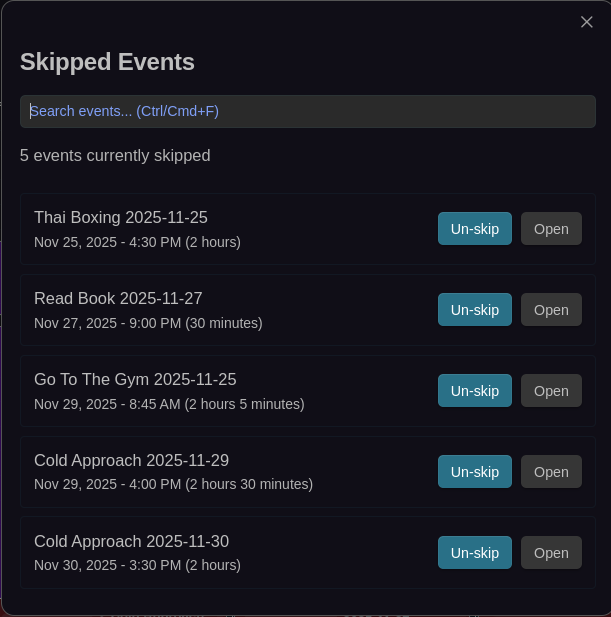
Skip individual recurring event instances without breaking the series. Learn more →
Undo/Redo System

Complete command history with semantic undo/redo for all calendar operations. Learn more →
CalDAV & ICS Integration
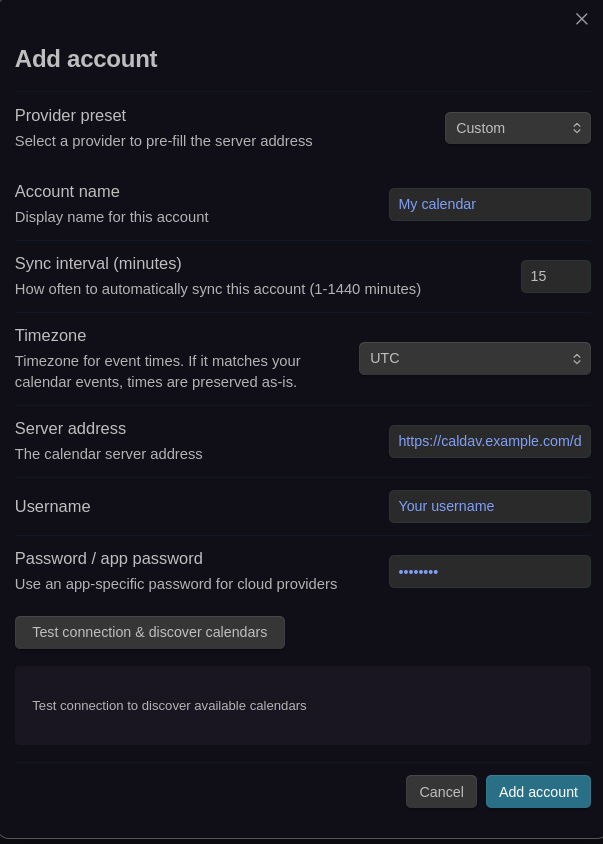
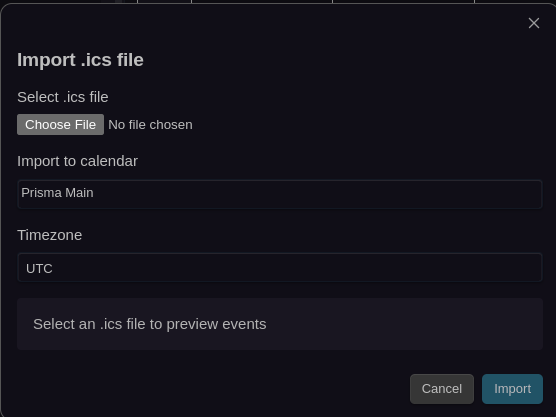
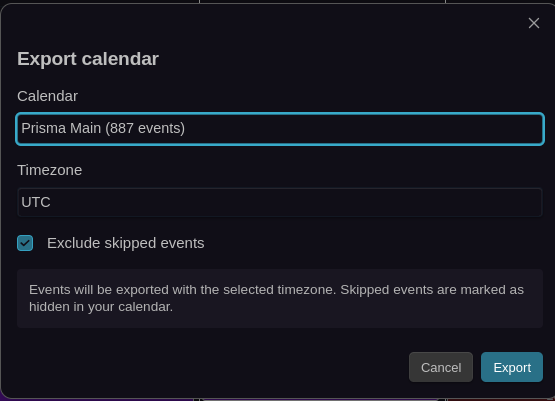
CalDAV synchronization setup and ICS import/export workflows for external calendar integration. Learn more →