Gallery
Visual guide to Prisma Calendar features. For detailed documentation on each feature, see Features Overview.
Videos
AI Chat — Query Mode
Manipulate Mode
Batch Operations — Multi-Select
Delete
Duplicate
Move to Next Occurrence
Clone to Next Occurrence
Skip
Mark Done / Not Done
Move By Days
Assign Categories
Frontmatter Management
Open All
Button Configuration
Categories — Assign Categories
Auto-Assign
Category Presets
Auto-Correction
Deletion & Renaming
Bases Calendar View — Pro Calendar in Bases
Capacity Tracking — Calendar Capacity
Prerequisite Connections — Assign Prerequisites
Prerequisite Connections — Connection Arrows
Daily + Stats — Daily Calendar with Statistics
Dashboard — Pro Analytics Dashboard
Dual Daily — Two-Column Daily View
Color Rules - Prioritize Colors
Color Rules — Multi-Color Events & Color Dots
Enlarged Preview — Quick Look
Event Groups - Group Events
Series Modal — Recurring Tab
Series Modal — Category Tab
Series Modal — Name Tab
Event Skipping - Skip Events
Filtering - filter events
Manual Filtering Expression
Highlight Events by Category
Folder Scanning - Scan Individual Folders
Gantt View — Dependency Timeline
Managing Global Events - Global Search + Timeline
Public Holidays — Seamless Integration
Integration — IMP/EXP + example
Import
Export
Google Calendar
Multiple Calendars — Support for Multi-Calendars
Notifications — Get Notified
Reaccuring Events — Reaccuring + Virtual Events
Start/End Date Propagation
Recurring Frontmatter
Virtual Events — Virtual ↔ Real Conversions
Statistics — Piechart Graph + Categories Statistics
Templater - Consistent event notes with your favorite tokens.
Title Autocomplete — Smart Title Suggestions
Time Tracker — Fully Tracked Time Allocation and more
Minimized Modal Management
Undo / Redo - Undo/Redo Almost ANY action
Untracked Events - Manage Untracked Events
Zettelid naming - Core Feature
Calendar View — Customizing the View
Event Text Color
Sticky Header
Event Icons — Custom Icons
Event Presets — Quick Event Creation
Hotkeys — Keyboard Shortcuts
Event Creation & Manipulation
Licence Activation — Activating Pro
Installation — BRAT Installation
Programmatic API — Scripting
Quickstart — Getting Started
Settings — Configuration
Timeline View — Timeline
Series Groups in Timeline
Events in Timeline
Heatmap
Heatmap — Events Modal
Monthly + Stats
Heatmap Monthly + Stats
Tabbed Views — Unified Views
Screenshots
Main Calendar View
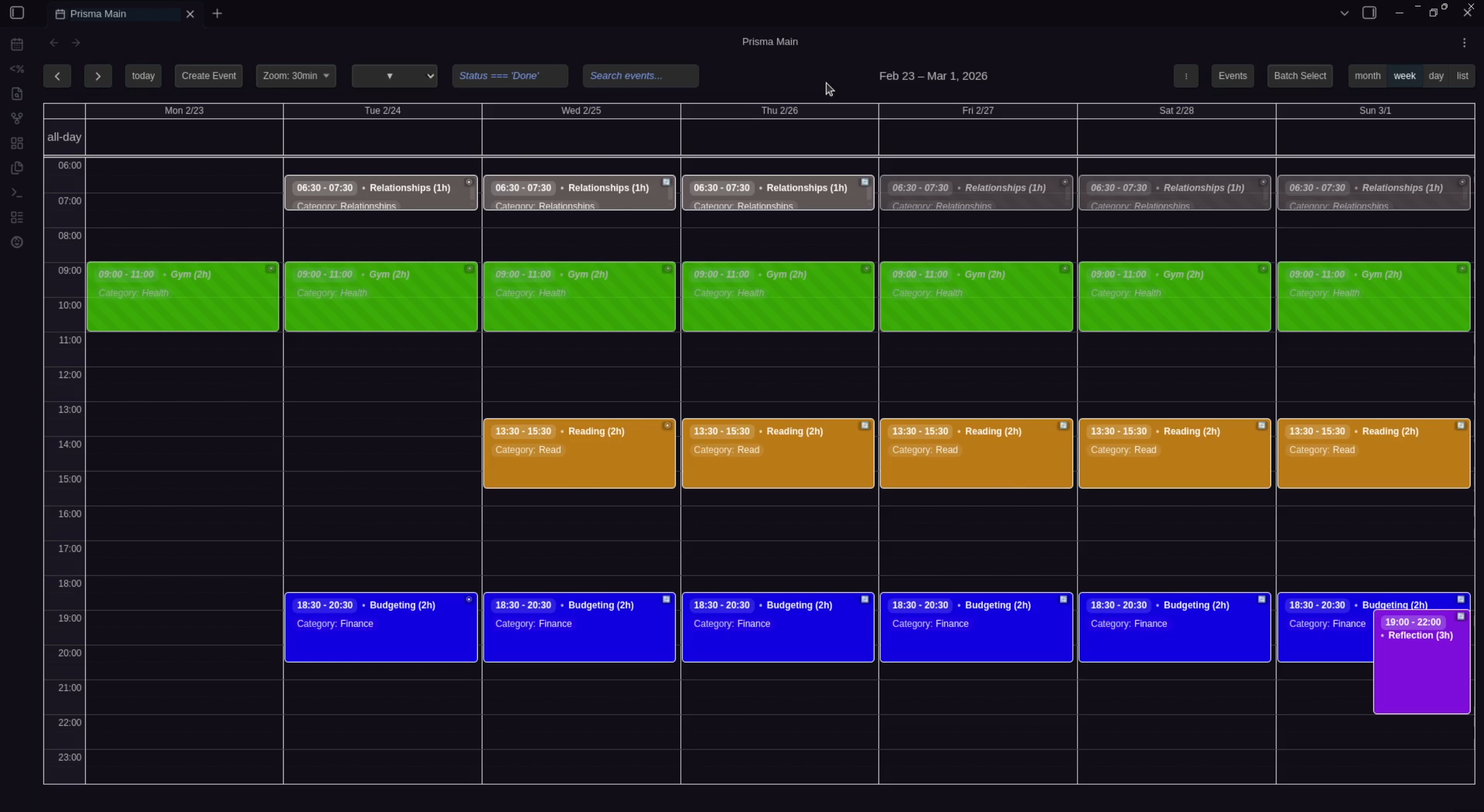
Weekly calendar view with color-coded events, time grid, search, filtering, and batch operations.
Event Creation & Editing
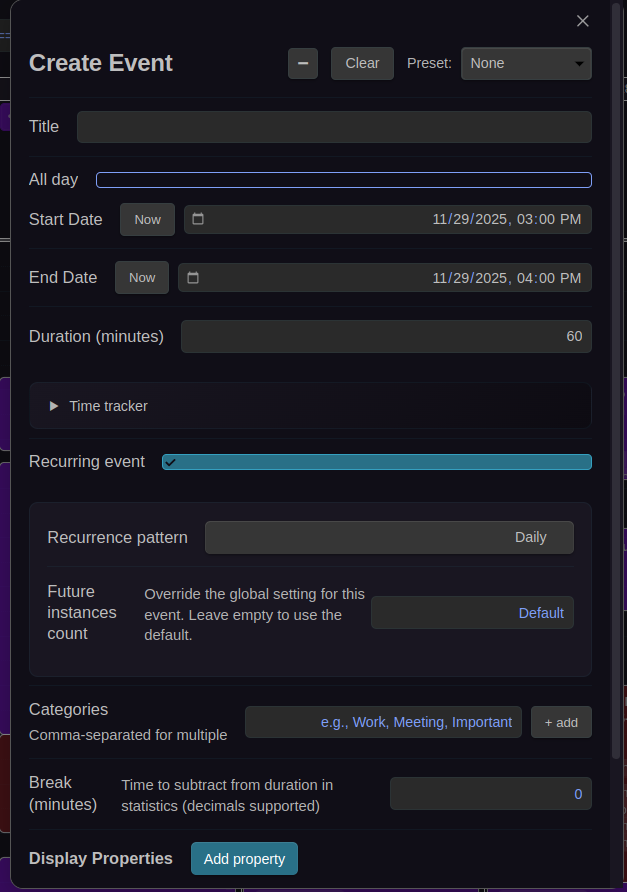

Create and edit events with full frontmatter support, recurring event options, and built-in time tracker.
Batch Operations
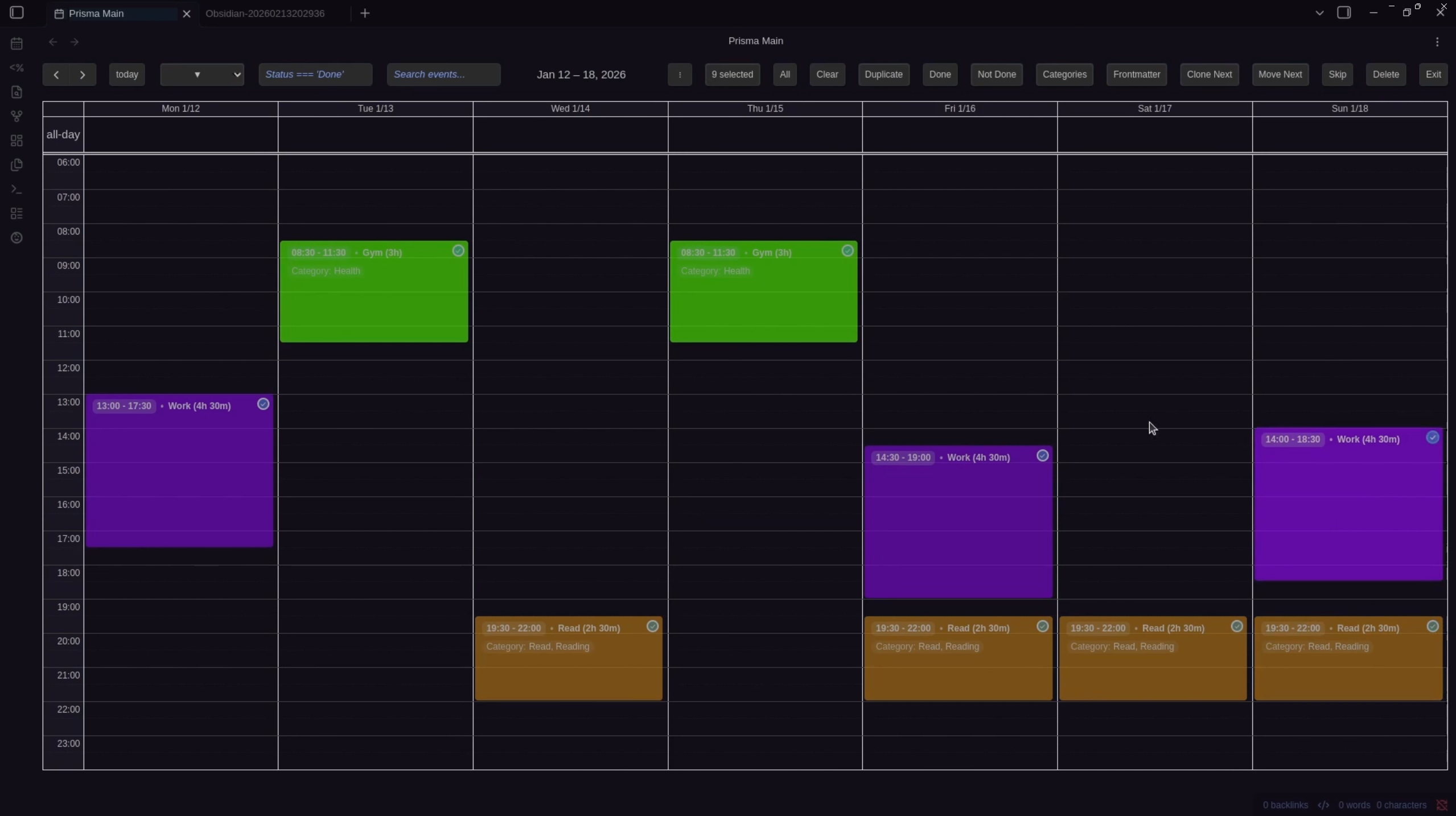
Select multiple events for bulk operations like delete, duplicate, move, or skip.
Statistics & Time Tracking
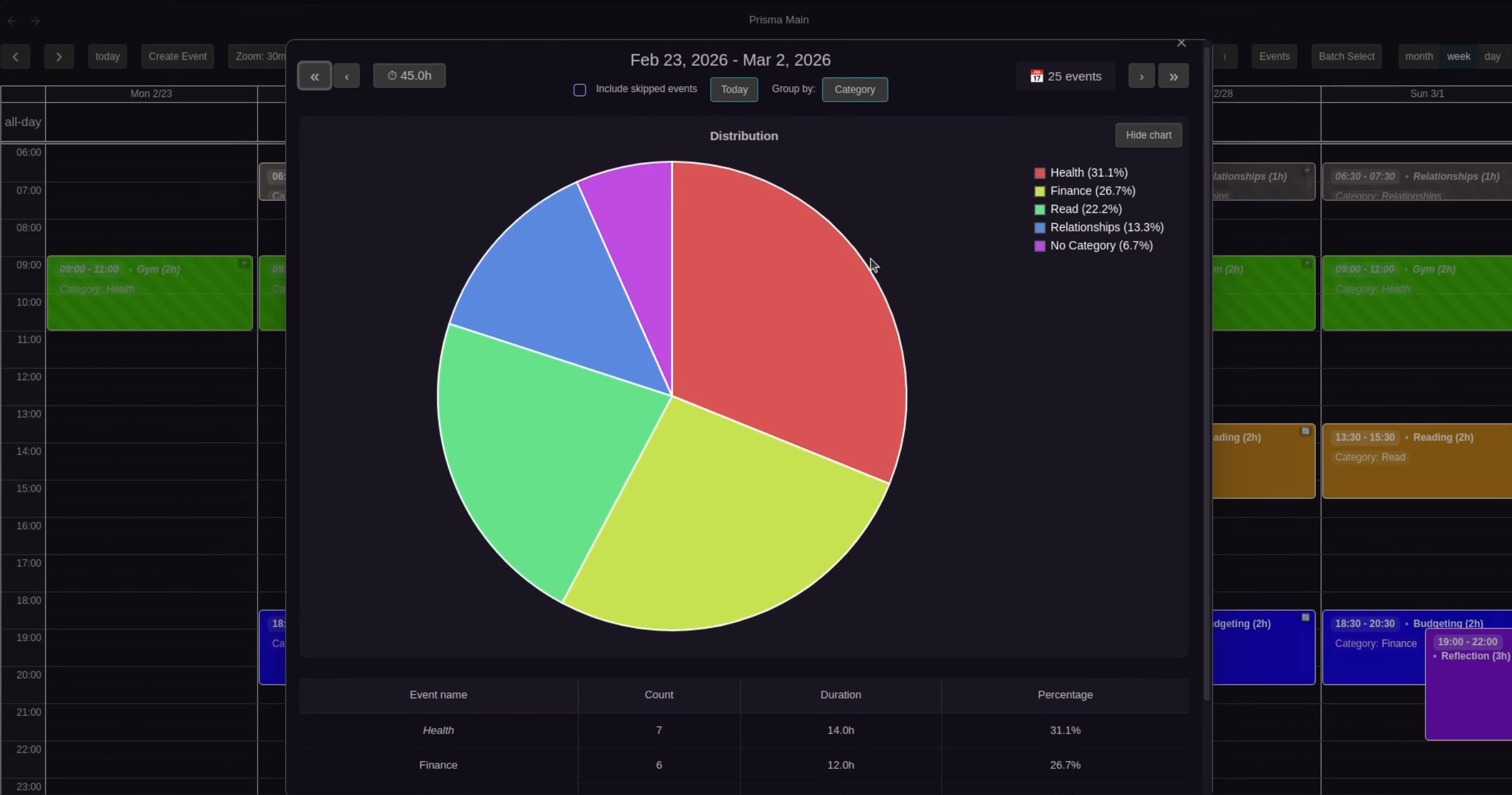
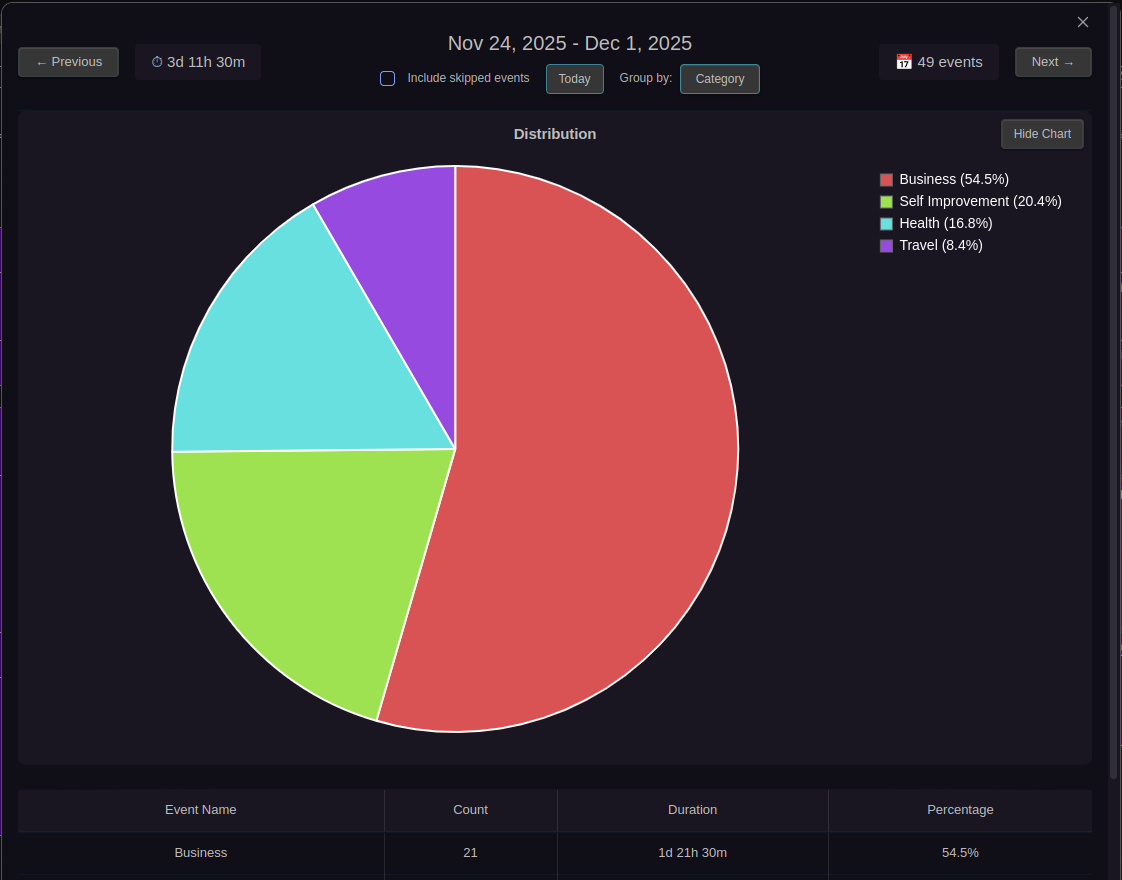

Visual time tracking with pie charts and detailed breakdown tables showing how you spend your time across daily, weekly, monthly, and all-time views.
Settings & Configuration
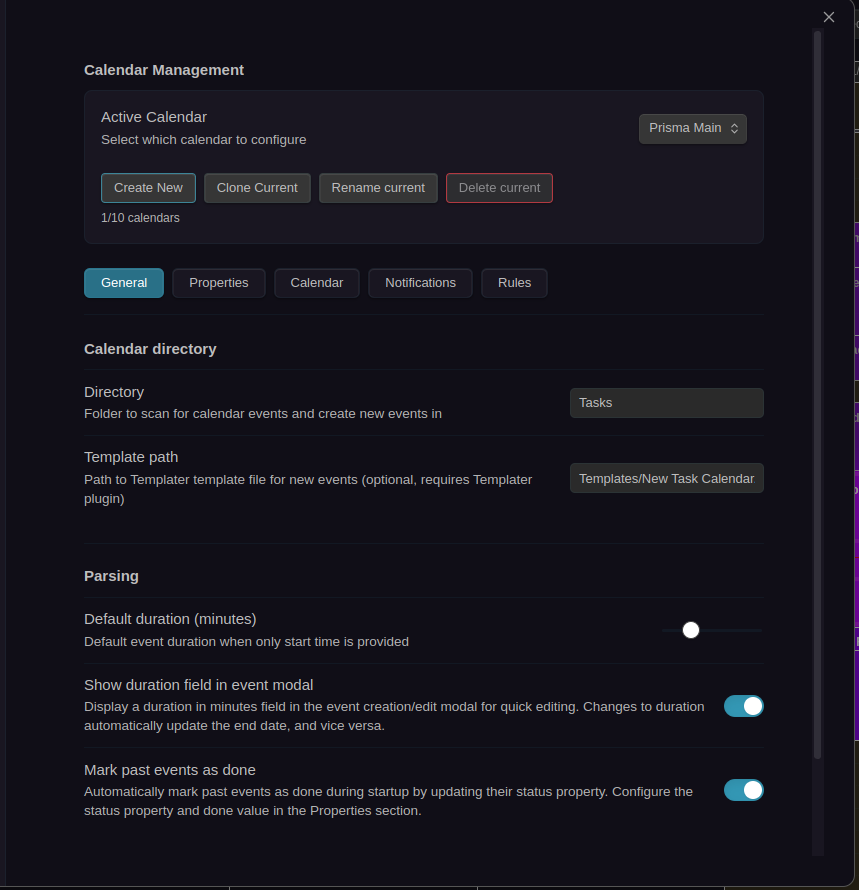
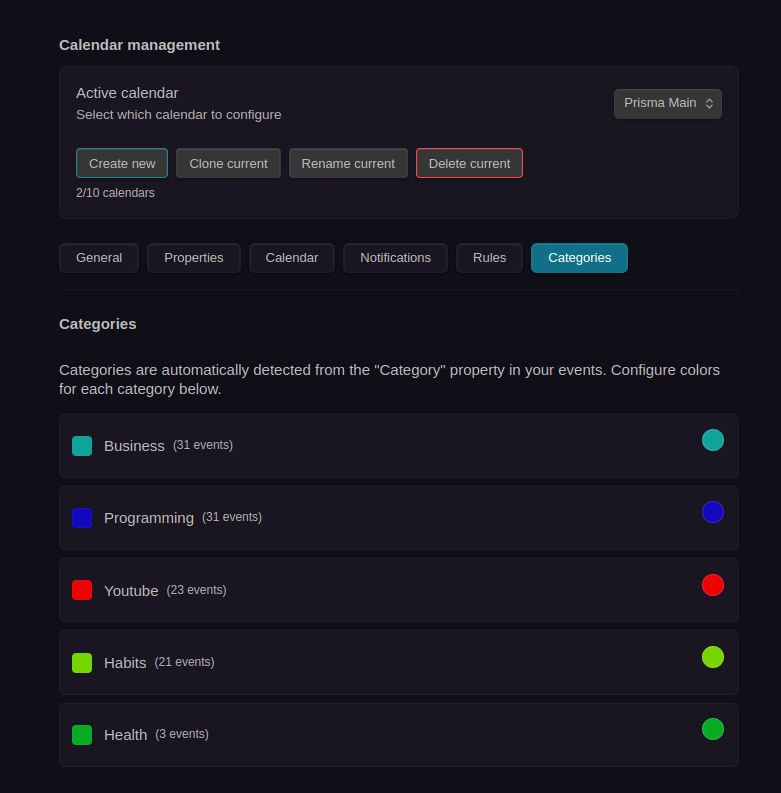
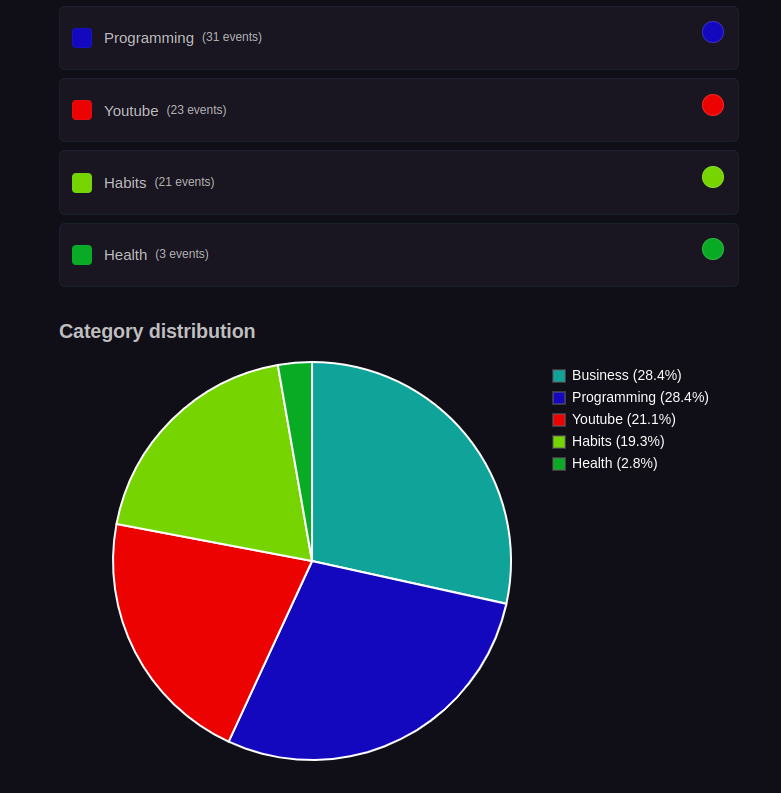
Fully configurable settings for each calendar with tabs for General, Properties, Calendar UI, Notifications, and Rules. Categories Settings provides visual category color management with pie chart visualization.
Notifications
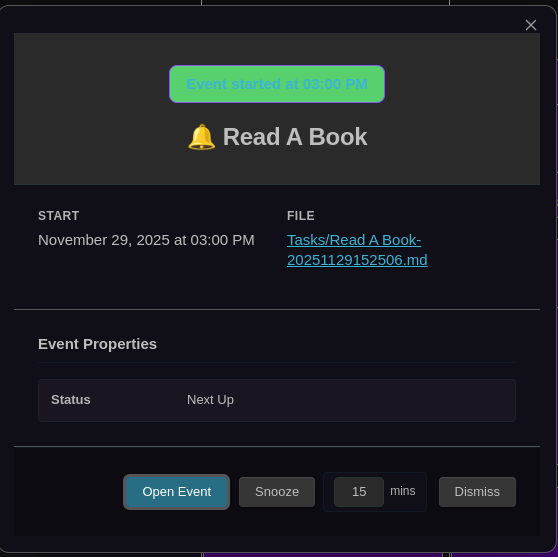
Rich notification modal with complete event preview and action buttons for snoozing or opening events.
Time Tracker & Stopwatch
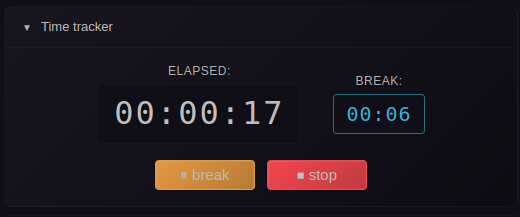
Built-in stopwatch for tracking event duration with break time support, session tracking, and real-time timers.
Recurring Events
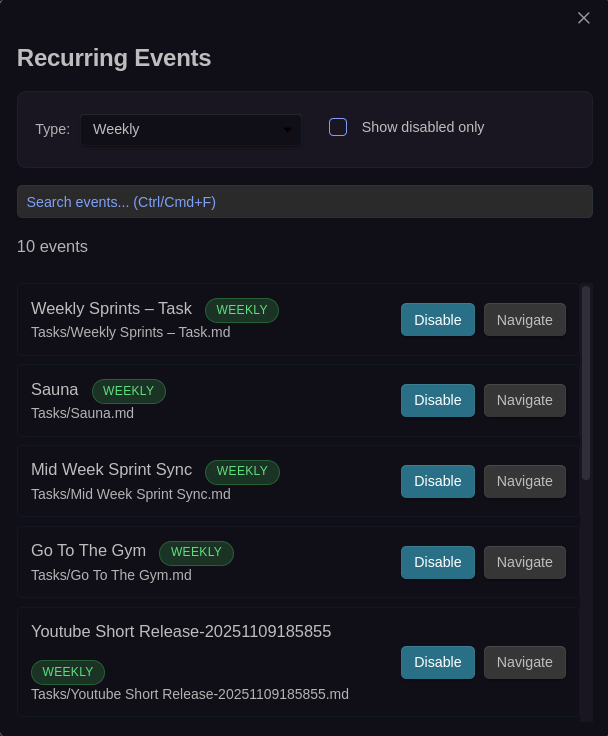
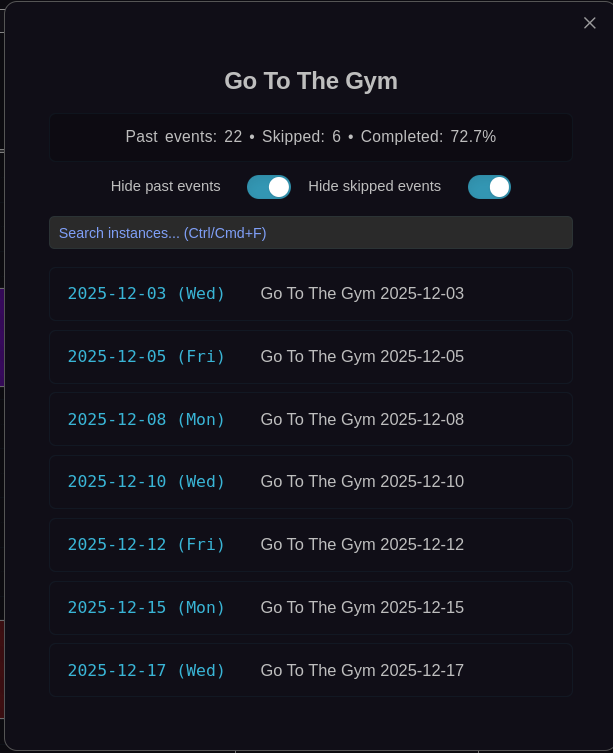
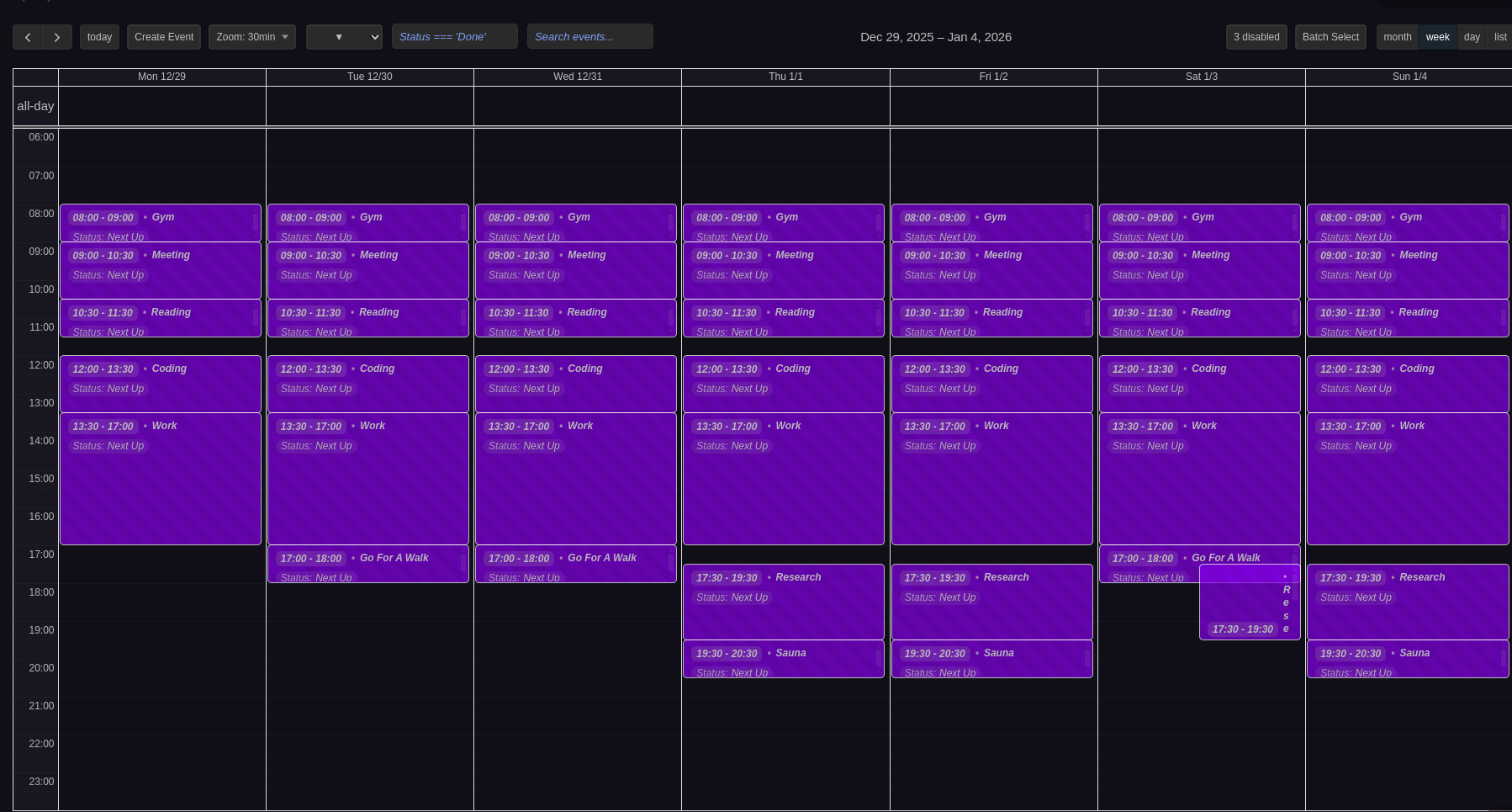
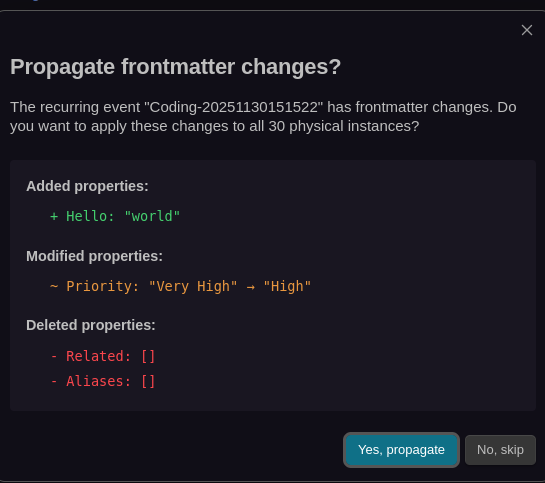
Recurring event management with source navigation, instance lists, virtual event previews, and frontmatter propagation with change preview.
Event Previews & Interactions
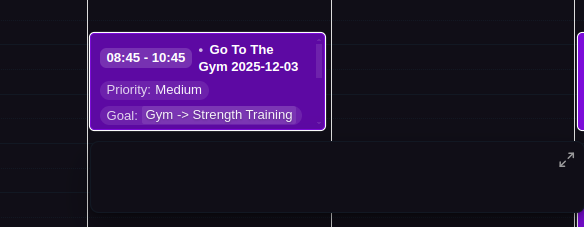
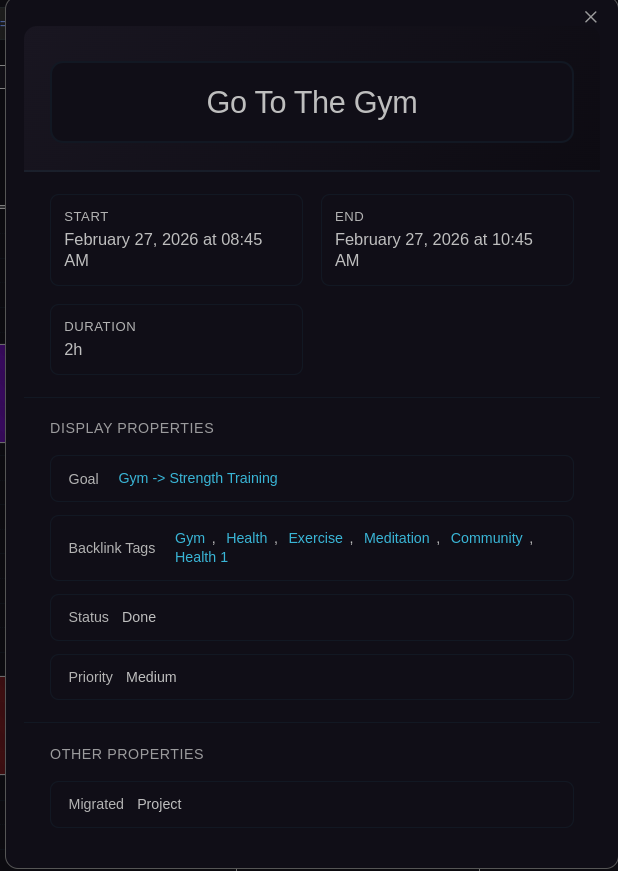
Hover previews and enlarged modal views showing complete frontmatter and content.
Filtering & Search
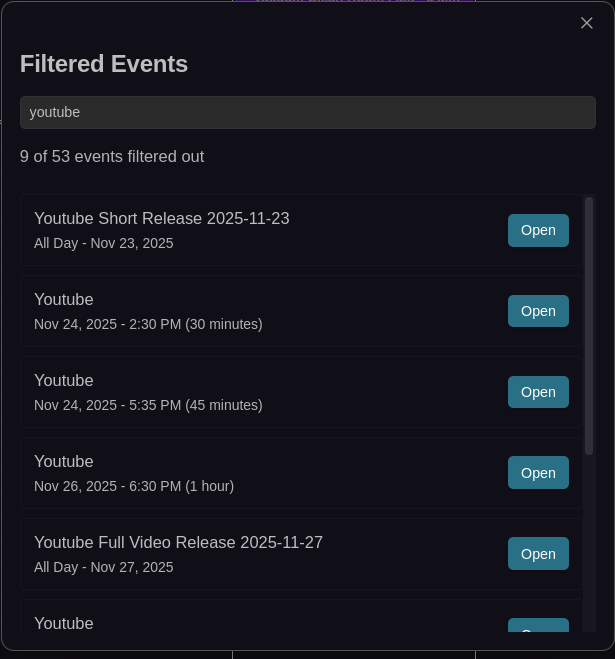

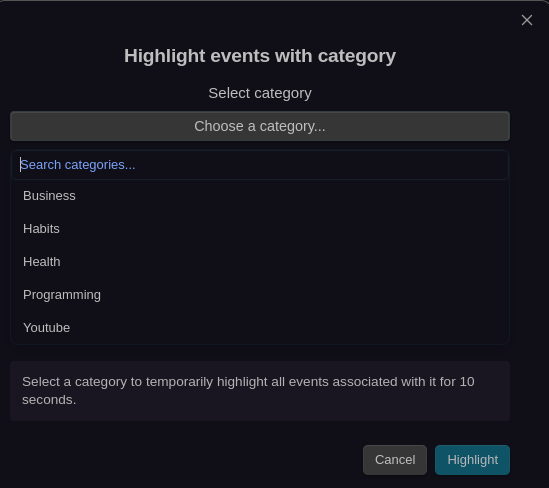
Advanced filtering system and global event search across all calendars with cycle filters.
Categories
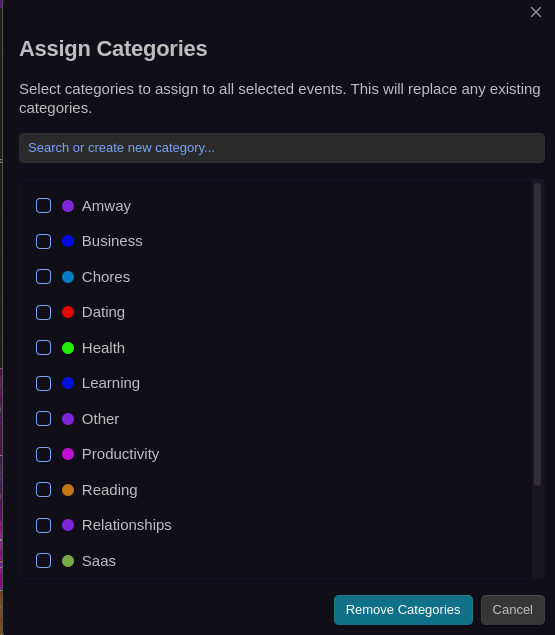
Multi-select category assignment modal with search, color indicators, and the ability to create new categories on the fly.
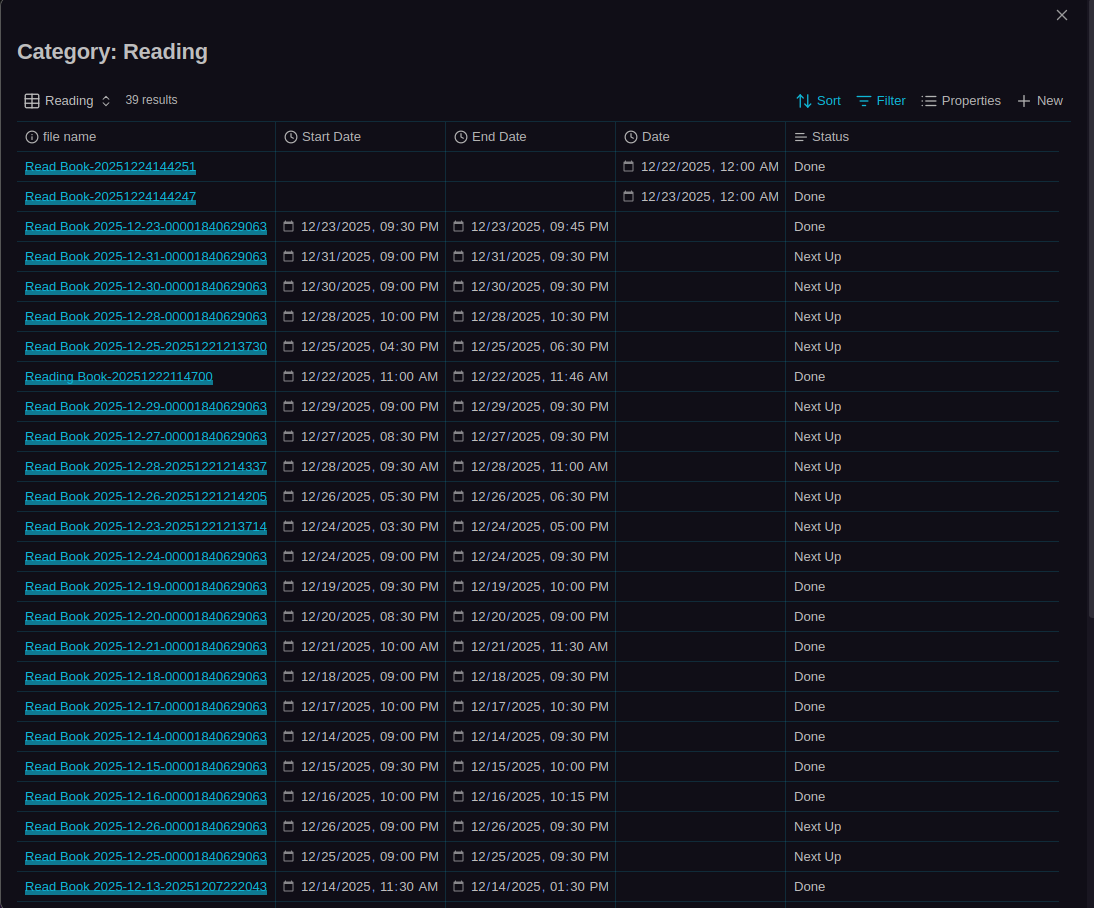
Click any category in the event modal or settings to open a Bases table view showing all events with that category.
Event Skipping
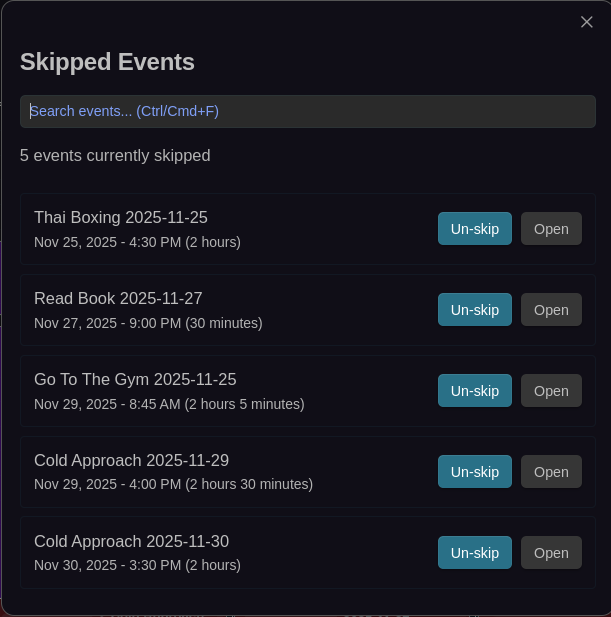
Skip individual recurring event instances without breaking the series.
Undo/Redo

Complete command history with semantic undo/redo for all calendar operations.
CalDAV & ICS Integration
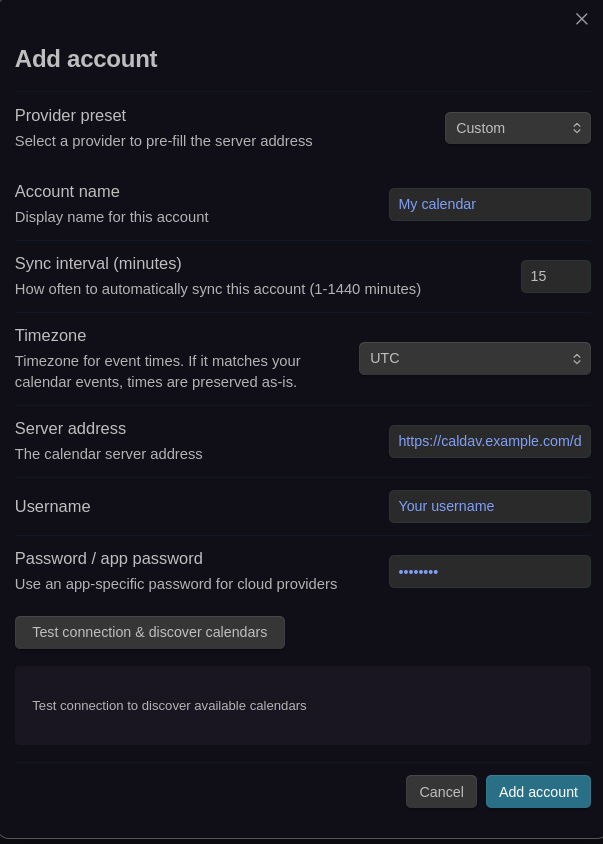
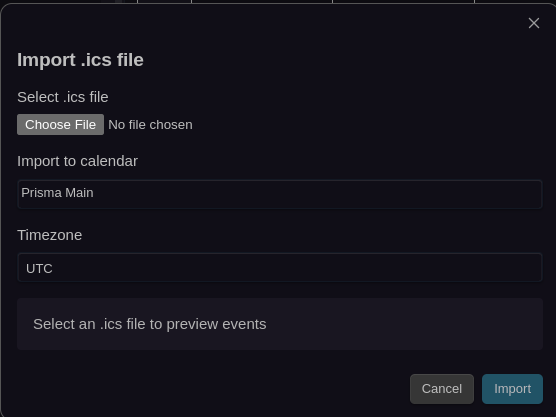
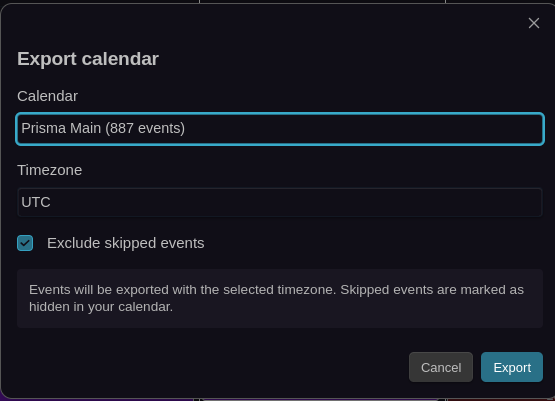
CalDAV synchronization setup and ICS import/export workflows for external calendar integration.
Next Steps
- Features Overview - Learn about all features
- Configuration - Customize settings